

How to access KNUST VIRTUAL CLASSROOM
Via Mobile app, Download and Install Moodle from playstore.
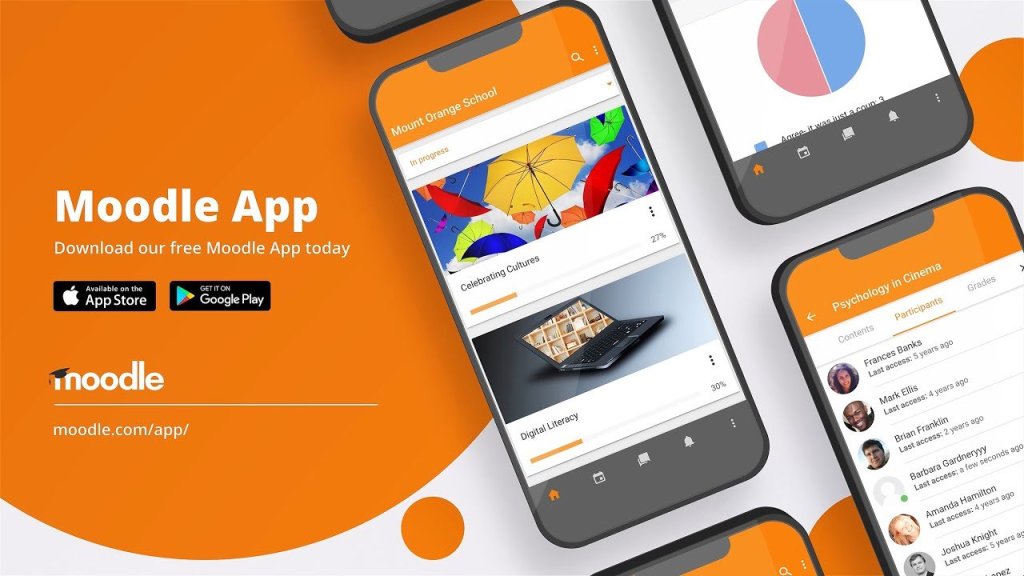
Open and Input the link below in the website Tab https://classroom.knust.edu.gh/
After that Kindly log in with your details
USERNAME AND PASSWORD (ie the details used in your AIM APP).
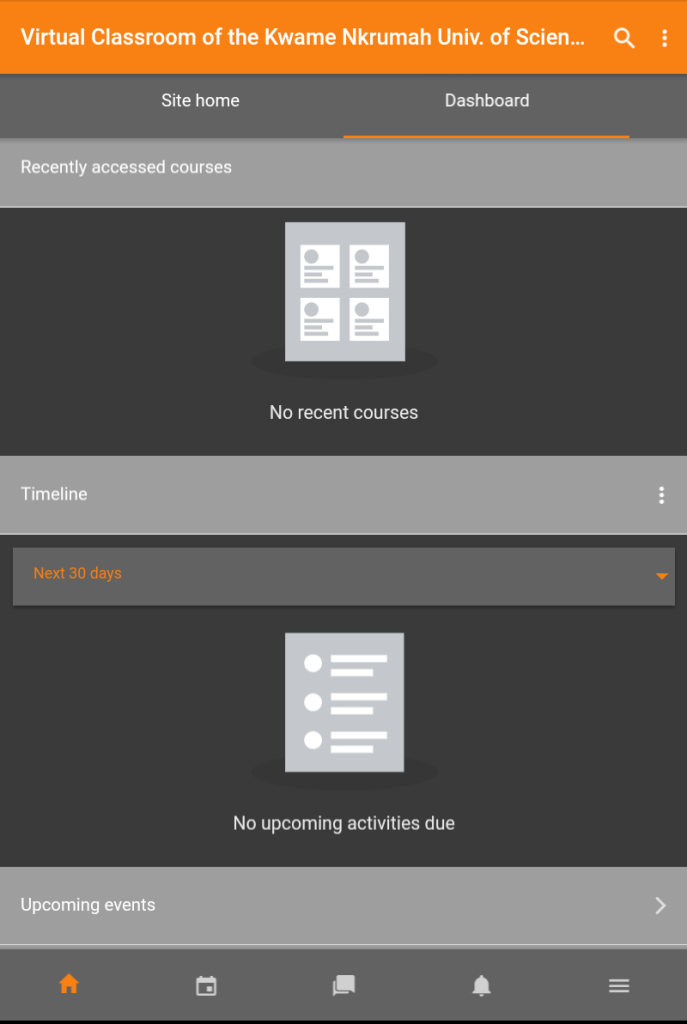
And you’re now in the Virtual KNUST CLASSROOM.
where you’ll see your courses info, Students online and many more.
Via Web browser
Open and enter the above link in your web browser
https://ilearn.knust.edu.gh/
Log in your details and you’re done.
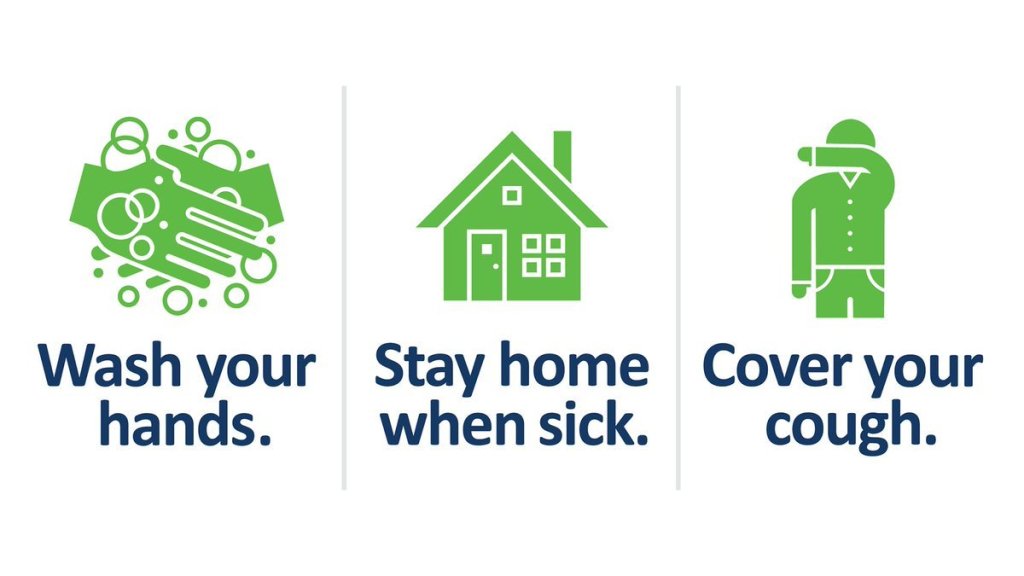
STAY HOME‼️‼️ STAY SAFE
 TWS STUDY GROUP - KNUST
You must be logged in to post a comment.